
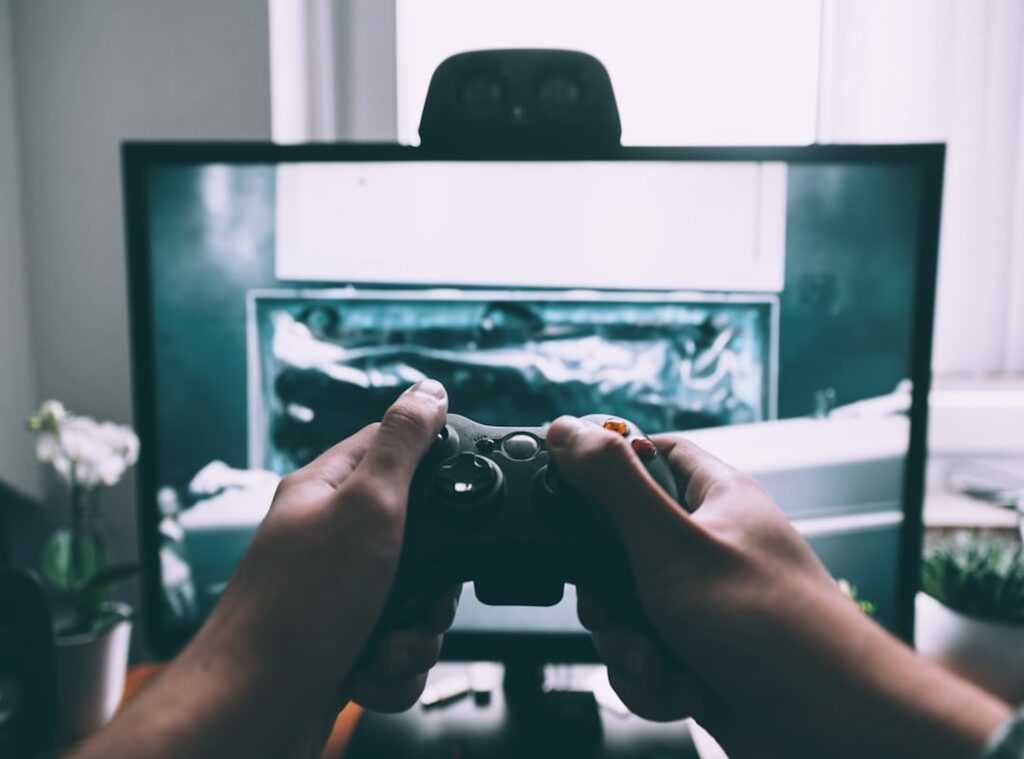
Ever felt like you’re stuck on a plateau in your favorite game, and maybe your gear is holding you back? You’re not alone. It’s frustrating when your setup seems to sabotage your skill.
This article is here to help. With a solid understanding of the competitive scene, I know what separates the pros from the rest. We’re cutting through the fluff to give you real console gameplay tweaks.
From enhancing your display and controller to upgrading audio and network, get ready for real performance improvements. It’s time to level up your game with tangible upgrades that actually work.
See Faster, React Faster: Why Your TV is Costing You Games
Ever wonder why you keep losing in those intense gaming moments? Your TV might be the culprit. Standard TVs just can’t keep up with the demands of competitive gaming.
They’re like trying to race with a tricycle in a NASCAR event.
Gaming monitors are a different breed. They offer faster response times and higher refresh rates. Let’s talk about response time.
It’s the time your display takes to change pixels. Slow response times mean input lag, which is the delay between pressing a button and seeing the action on screen. You don’t want that.
Then there’s refresh rate, measured in Hertz (Hz). A 120Hz monitor refreshes 120 times per second, giving you smoother motion. That’s why 120Hz is the new standard for PS5 and Xbox Series X.
It’s like having a superpower in the gaming world.
Modern display tech also brings VRR (Variable Refresh Rate). It eliminates screen tearing (those annoying visual glitches) by syncing the monitor’s refresh rate with the game’s frame rate. And ALLM (Auto Low Latency Mode) automatically switches your display to “Game Mode” for reduced lag.
Imagine instant reflexes without lifting a finger.
Don’t break the bank; plenty of affordable monitors meet these specs.
Want to avoid being left in the dust? Check your current display’s specs. Look for response times under 5ms and refresh rates of at least 120Hz.
For more console gameplay tweaks and takeaways, check out the pc settings ultimate gaming experience.
So, are you ready to ditch that old TV? Your gaming performance depends on it. Make the switch and see the difference.
Your leaderboard ranking might just thank you.
The Controller is Your Weapon: Mastering Your Input
Ever wondered why some players seem unbeatable, like they’ve got some kind of secret weapon? It’s not magic. It’s their controller.
The pro controllers are more than just fancy, overpriced gadgets. They’re game-changers. Trust me, I’ve seen it.
Let’s talk about those back paddles. Imagine playing an FPS and being able to jump, slide, or reload without taking your thumb off the aim stick. Yep, it’s a massive advantage in a firefight.
Back paddles let you do that. Simple, but game-changing. It’s like suddenly having an extra hand.
Then there are trigger stops. Fast actions mean life or death; milliseconds count. Trigger stops let you fire faster because your finger doesn’t have to travel as far.
Fast and furious doesn’t even begin to cover it. It’s like cutting through red tape in the middle of a shootout.
Now, let’s get into those swappable thumbsticks. They allow you to customize the feel and control of your gameplay. You can switch them out for longer ones to increase precision.
Ever tried aiming with a higher thumbstick? It’s like having sniper-level accuracy, even if you’ve never touched a sniper in your life.
But what if you’re on a budget? There’s hope. Precision rings or thumbstick extenders like KontrolFreek can give you that extra edge.
They increase your stick’s range of motion, offering finer aim control. Great for those tight battles where every shot counts.
Ready to upgrade your game? Here’s a tip: even if you can’t afford a pro controller, small tweaks can make a big difference. Check out some console gameplay tweaks that can raise your play without breaking the bank.
Your thumbs will thank you.
Sound Tactics: Gaining an Unfair Audio Advantage
Let’s skip the tired advice about just getting a good headset. You deserve better! Instead, to why a clear soundstage is your secret weapon for pinpointing enemy footsteps in games.
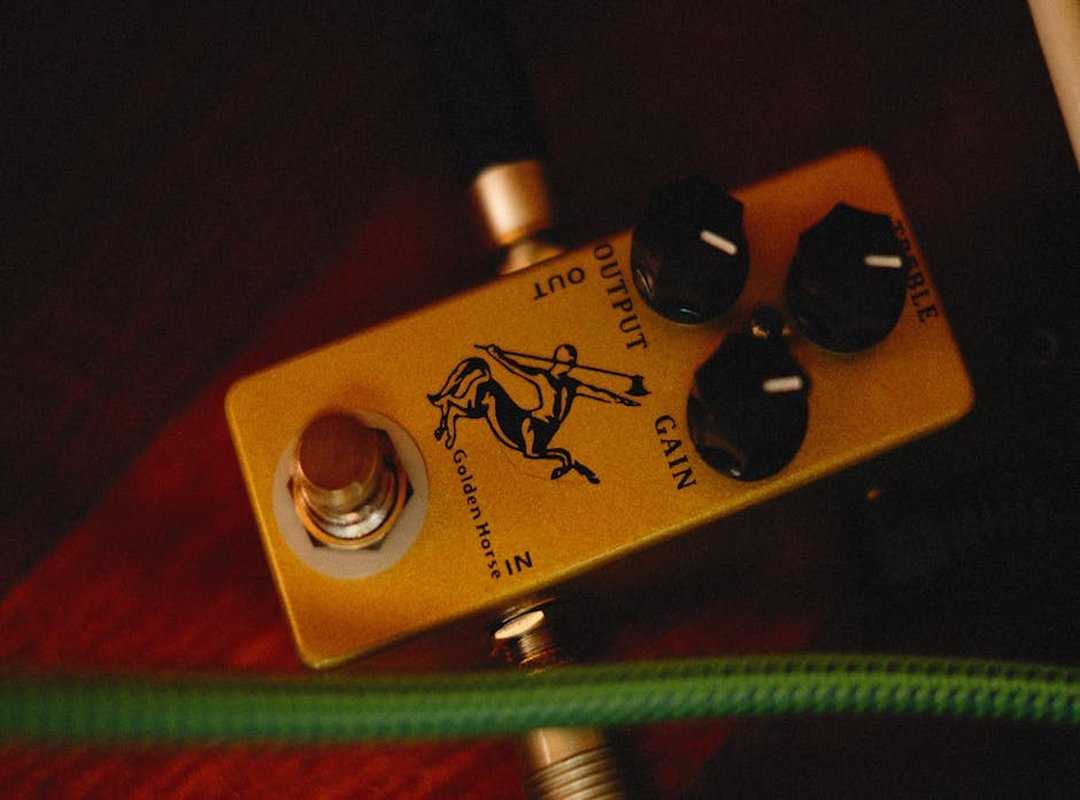
It’s all about hearing every rustle and footstep like they’re right next to you.
Open-back vs closed-back headsets? It’s a big deal. Open-back gives you a wider, natural soundstage (perfect) for home use.
You feel like you’re in the game. But if you’re at a loud LAN party, closed-back keeps distractions out. It’s noise isolation at its finest.
Now, let’s talk about the magic of an external DAC/Amp. These little gadgets provide cleaner, more solid audio than the basic plug-into-controller method. You’ll hear details you didn’t even know existed.
Seriously, it makes a world of difference.
Here’s the fun part: dive into your console’s audio settings. Play around with settings like Dolby Atmos for Headphones or PS5’s 3D Audio. They give your gameplay a real edge.
And don’t forget in-game EQ tweaks! They’re like secret weapons for elevating your audio experience.
Want to know more ways to boost gaming performance optimization tips? Trust me, the right audio setup transforms gameplay. Console gameplay tweaks aren’t just about video settings; sound is half the battle.
Think about how movies use sound to build suspense. Games are no different. It’s time to use that power for yourself.
The Invisible Upgrades: Network & Comfort Hacks
to those pro-level tweaks that most players gloss over. Sounds fancy, right? But no, it’s practical stuff.
First up, the network. We all want smooth gameplay with zero lag. If you’re serious about console gameplay tweaks, ditch Wi-Fi.
Think about it: Wi-Fi is like shouting across a crowded room, while Ethernet is a direct phone line. Trust me, you don’t want your game to lag because someone started streaming cat videos.
Ever heard of latency or “ping”? It’s that annoying delay between your action and the game’s response. High latency ruins moments.
And packet loss? That’s when data doesn’t make it through. So, check your router settings.
Look into Quality of Service (QoS). It lets you prioritize gaming traffic. Not sure what that means?
Picture your internet as a highway. QoS gives you the fast lane.
Now, let’s switch gears to comfort. Gaming marathons shouldn’t leave you aching. Posture matters.
Slouching? Killing your back. Keep your screen at eye level.
Neck strain is no joke.
You don’t need a fancy chair (though it helps). Try some quick ergonomic checks. Feet flat on the floor, back straight.
Ever heard of gamer thumb? It’s real. Stretch those fingers.
Does comfort really boost performance? Absolutely. Ever had a sore back and tried to focus?
It’s a nightmare. So get comfy. It’s about more than just luxury; it’s about playing better, longer.
With these hacks, you’re not just playing; you’re leveling up your experience.
Stop Lagging and Play Like a Pro
Lag got you down? Enough of that. You need to focus on the essentials: visual, control, audio, and those sneaky “invisible” upgrades (network and comfort tweaks).
These aren’t just flashy add-ons. They’re about cutting through the noise to let your talent shine. Even a couple of these console gameplay tweaks can flip your game on its head.
Why settle for less when you can upgrade your setup? Pick one area and dive in. Check out other competitive guides on the site.
We’ve got your back. Let’s make you the player you know you can be. Ready to start winning?